Introduction
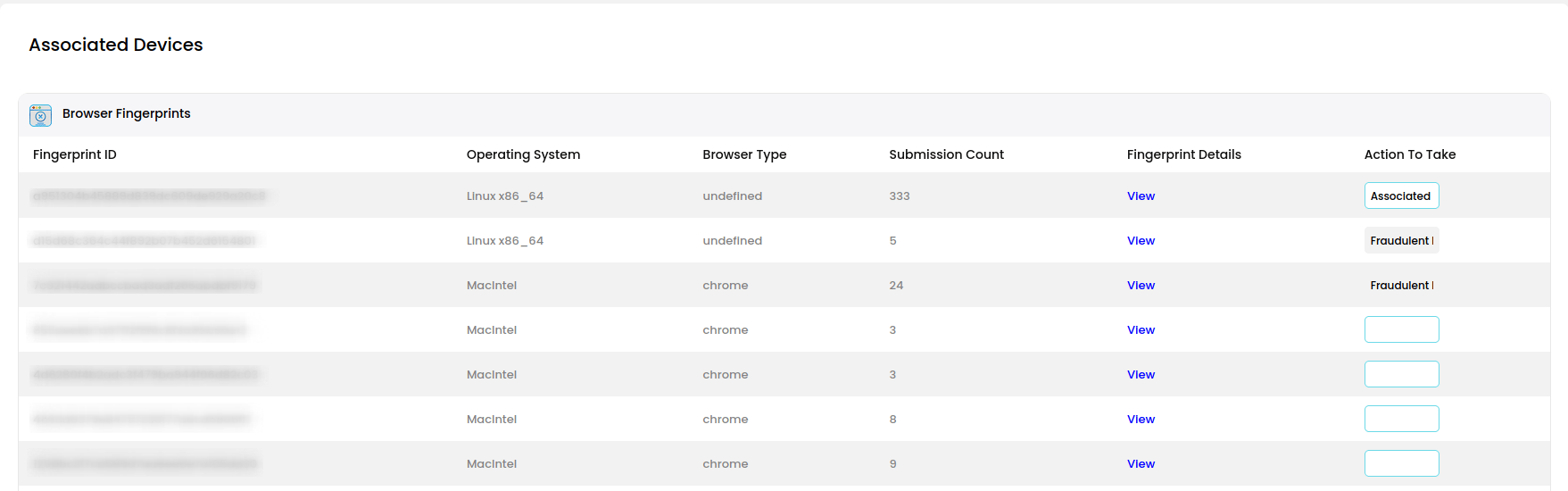
This is where your browsers/devices can be associated with your account. Fraudulent devices can also be rejected and identified as fraud. Taking these simple actions greatly enhances your security.Managing Browsers
Any browsers which were used to solve Quick Checks with your email address will show up here. You can view all the details of any browser fingerprint by clicking the view details link. It’s recommended to associate valid browsers which you know are yours and are used to solve your Quick Checks. If you are unsure of the browser, leave it as unverified. If the browser is not yours, this is fraud. Select fraudulent for these browsers. BE CAREFUL! Once a browser is verified as fraudulent, all the submissions completed with that browser will also be confirmed fraudulent.