Introduction
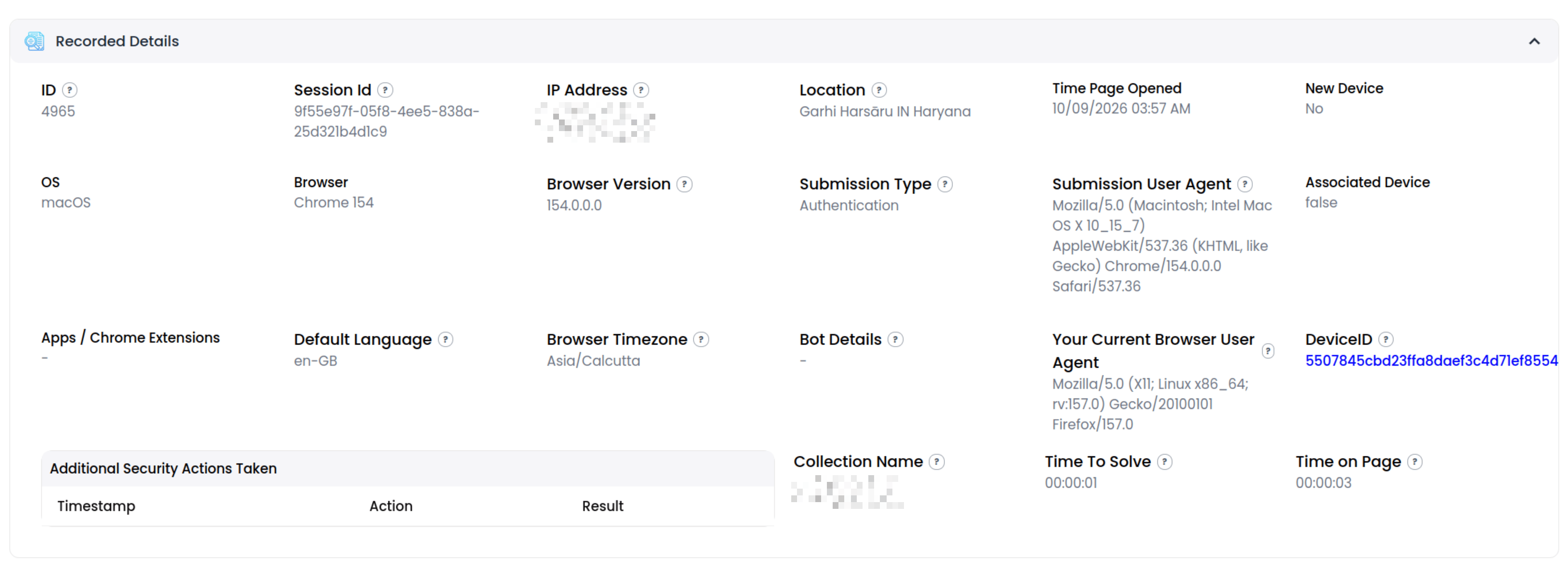
This is a page where you can view all the recorded data at the time a Quick Check submission was sent and manage fraud if the submission was determined to be fraudulent. You get here by clicking on a row within the Fraud Explorer table. Each submission has its own ID. It’s also possible to view a submission directly by going to the URL with the ID. For example, to view submission with ID 3288 the URL would look like https://dev-quickcheck.botbuster.io/captcha-submission-details/3288Submission Details Header

Bot Buster Submission Details
Test Image With Results
This section shows the test image itself and where it was clicked/swiped as well as the instruction text shown to the user. It will also indicate a successful vs failed test.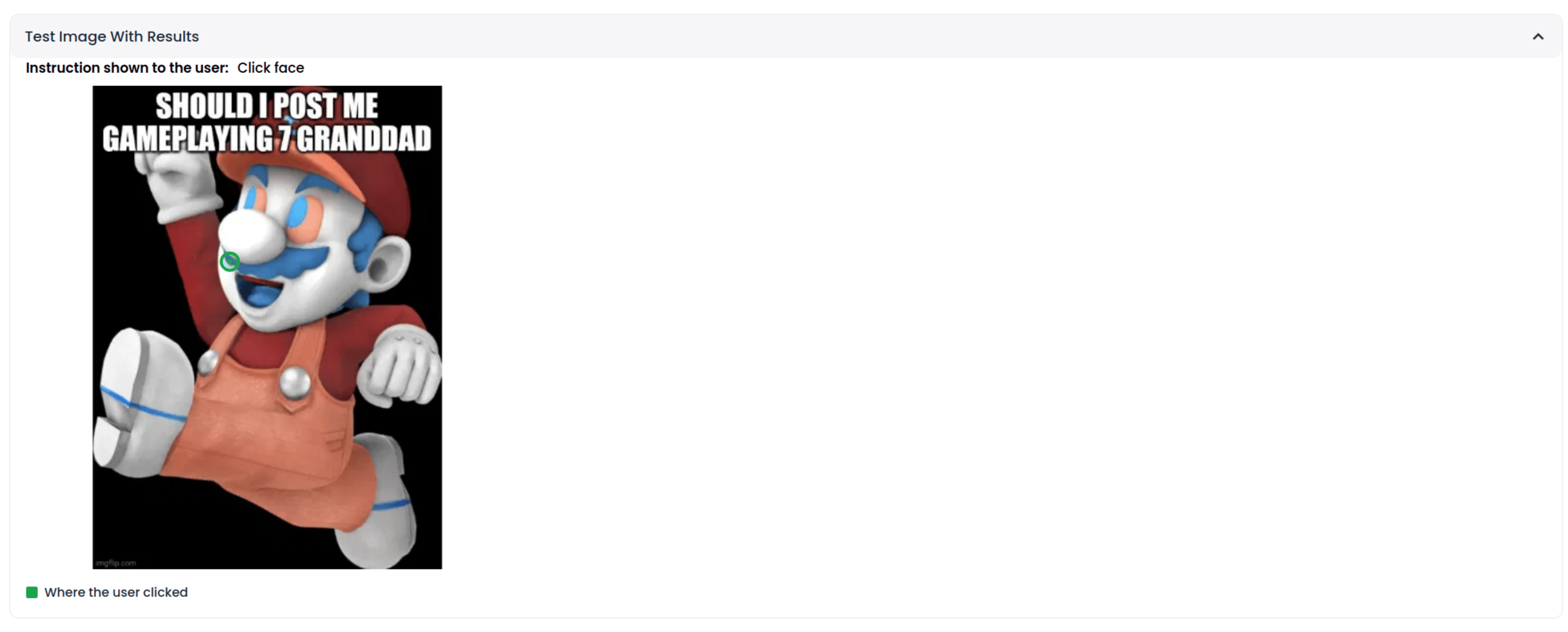
Remediation Instructions
This section shows instructions which give guidance for how to handle the fraud. This only becomes available once a submission is identified as fraudulent.
Communicate With the Website
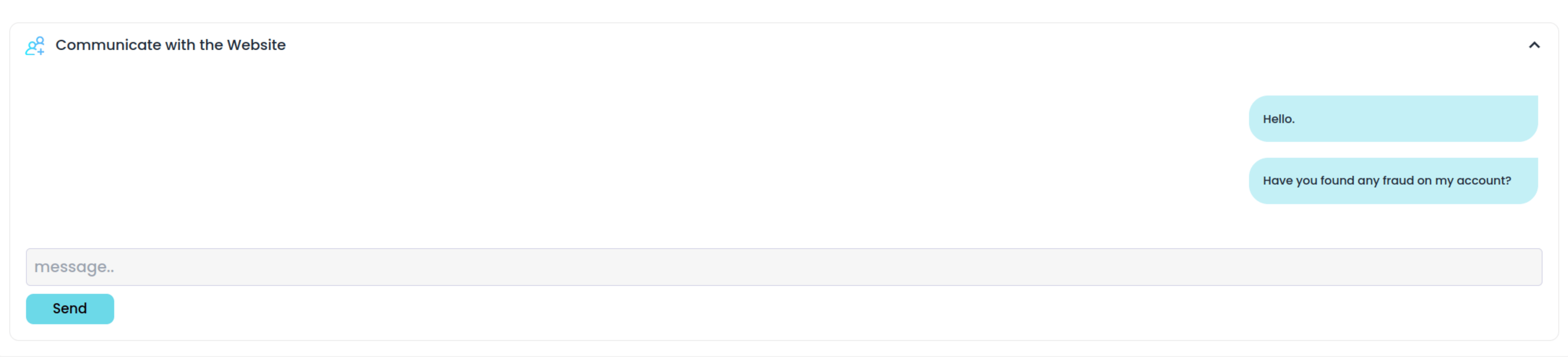
This section is a chat room where you can message the company directly about what should be done. The section only becomes available once a submission has been identified as fraudulent.