Introduction
Bot Buster offers a variety of configurations for Quick Checks. These configurations are available in each Quick Check rule.Customizable Security Settings
Required Settings
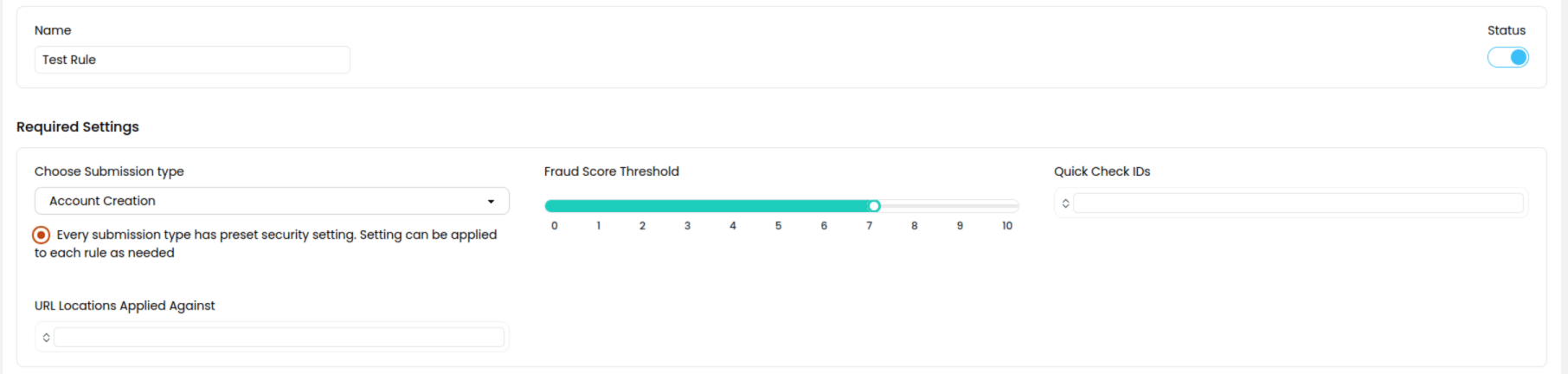
- Name :: This is the name of the rule
- Submission Type :: This is the type of internet action that takes place on the page. Examples are Login, Account Creation, Purchase Item
- Fraud Score Threshold :: Every test submission is given a fraud score based on a number of fraud indicators. This threshold is the value a test submission must meet or exceed for a Quick Check to force a Multi-Factor Authentication after the test is completed successfully
- URL Locations :: Adding URLs here applies the rule to the Quick Checks which appear on these specific webpages
- Quick Check IDs :: These are the specific Quick Checks that this rule is applied to
When a Submission Type is selected, the security settings are updated to preset recommended security configurations. These are suggestions and can be overwritten within each rule. The preset settings associated with each submission type cannot be modified.
Notification Settings
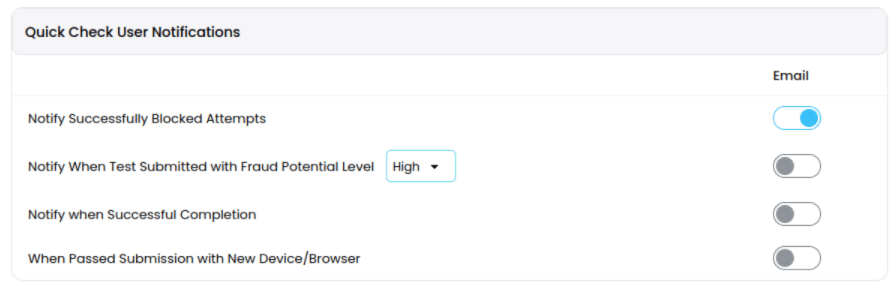
- Send a notification when a Quick Check was blocked as fraud.
- Send a notification when there is a successful Quick Check completion which is at or above a certain fraud potential level.
- Send a notification when a Quick Check is completed successfully.
- Send a notification when a Quick Check is completed successfully by a new device/browser for a particular website visitor.
Multi-factor Authentication Verification
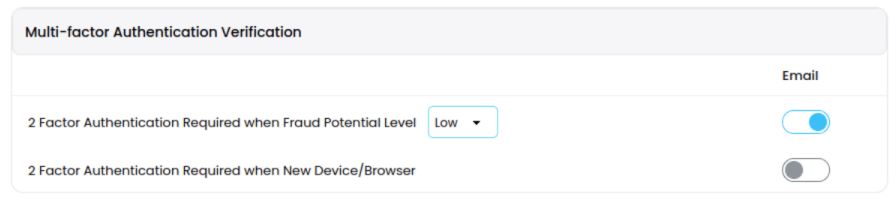
- Enable the toggle to force MFA over email for submissions that meet or exceed a particular fraud potential level.
- Enable the toggle to force MFA over email for submissions completed successfully by a new device/browser for a particular website visitor.
Tags & Collection Library
Tags
Quick Check tags will tag Quick Check submissions with this rule applied. Tags can be used to search for certain test submissions across the platform including on the Summary Dashboard and Fraud Explorer. These are optional.Collection Library
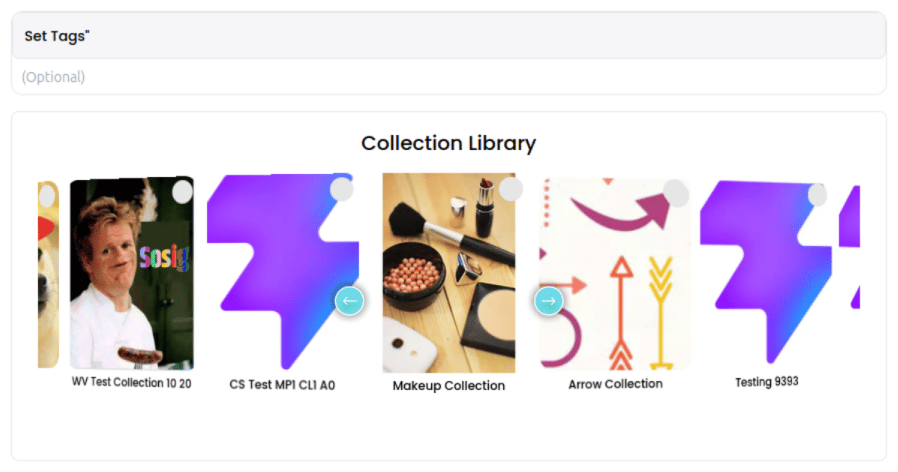
Every Quick Check rule can have a test collection applied to its Quick Checks. The available test collections that can be applied show up in the Collection Library. Custom collections have 2 types of tests. There is the point and click test where instructions are given to the user and the user has to click that location on the image. There is also the puzzle piece test which shows an image within a custom collection broken up into squares. Two of the squares are out of order and need to be dragged and swapped.Customize Quick Check Colors and Font